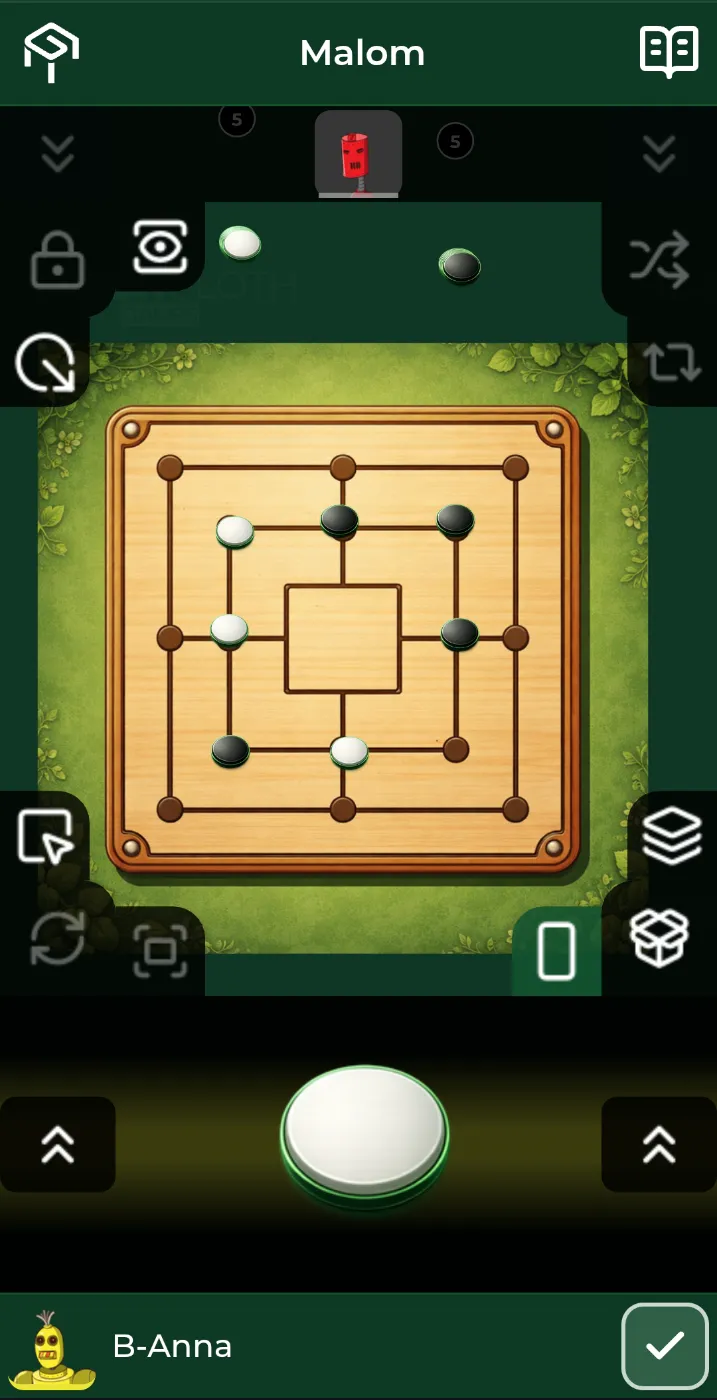
GreenCloth.Games
← GreenCloth
For players

Bring your group to the table

A shared screen, a phone for each player and an internet connection. Open the apps in compatible browsers and play together.

At the table

Familiar moves, a shared view

Drag

Move pieces with a drag

Drag cards and pieces between your hand, the table and available containers. The destination and its settings determine where they go.

Use the toolbar to flip cards or shuffle a pile
Use navigation controls to move around a larger table
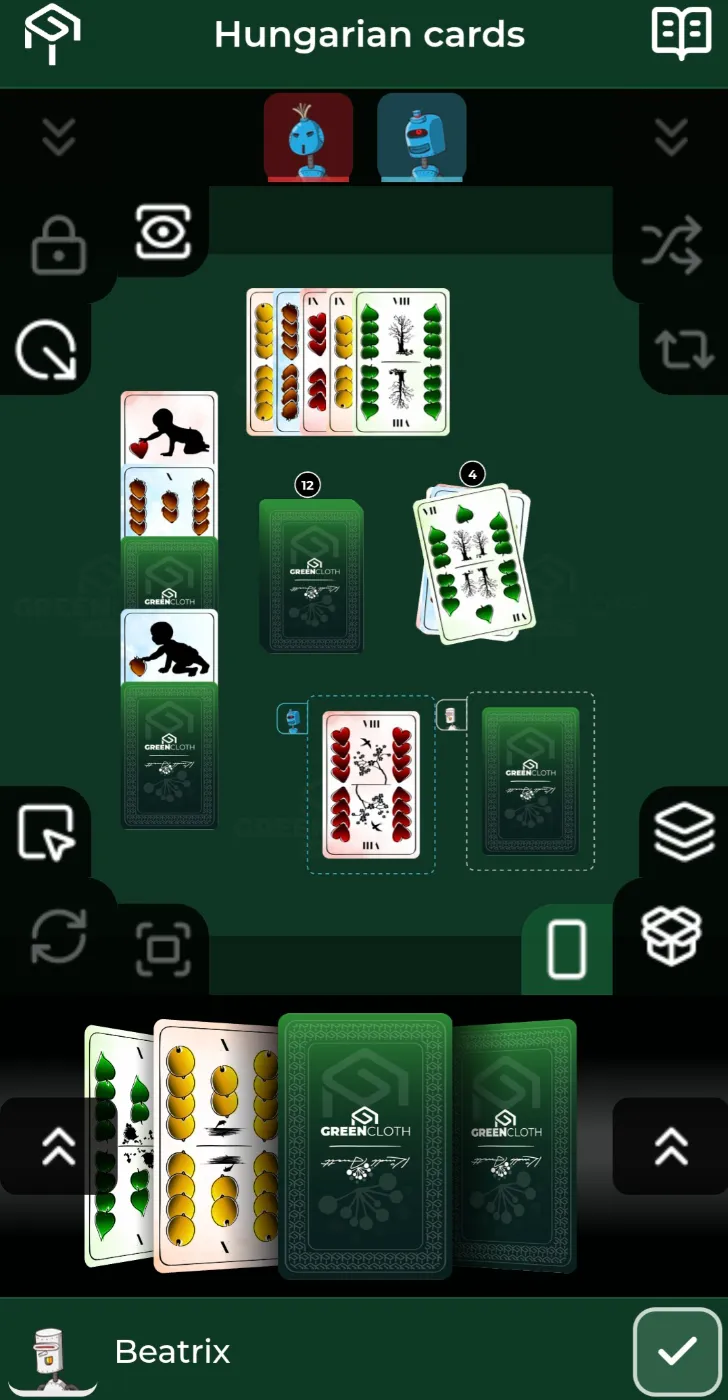
Draw cards from a deck and arrange them in your hand
Privacy

Your hand, on your phone

View your hand on your phone. The shared screen shows cards face down by default; its settings also allow hands to be revealed.

Shield protects your hand, lock protects your area
Play a card face up to show it on the table
The big screen

Keep the shared table in view

The Display shows the shared table while you make your moves with the Controller. You can adjust the view and how player hands appear.

The view adjusts to the table layout
Use a screen large enough for your group to see the board
Choose which player hands appear on the Display
The two apps you need

One Display in the group, one Controller each

The Display holds the shared board. The Controller is what you hold in your hand.
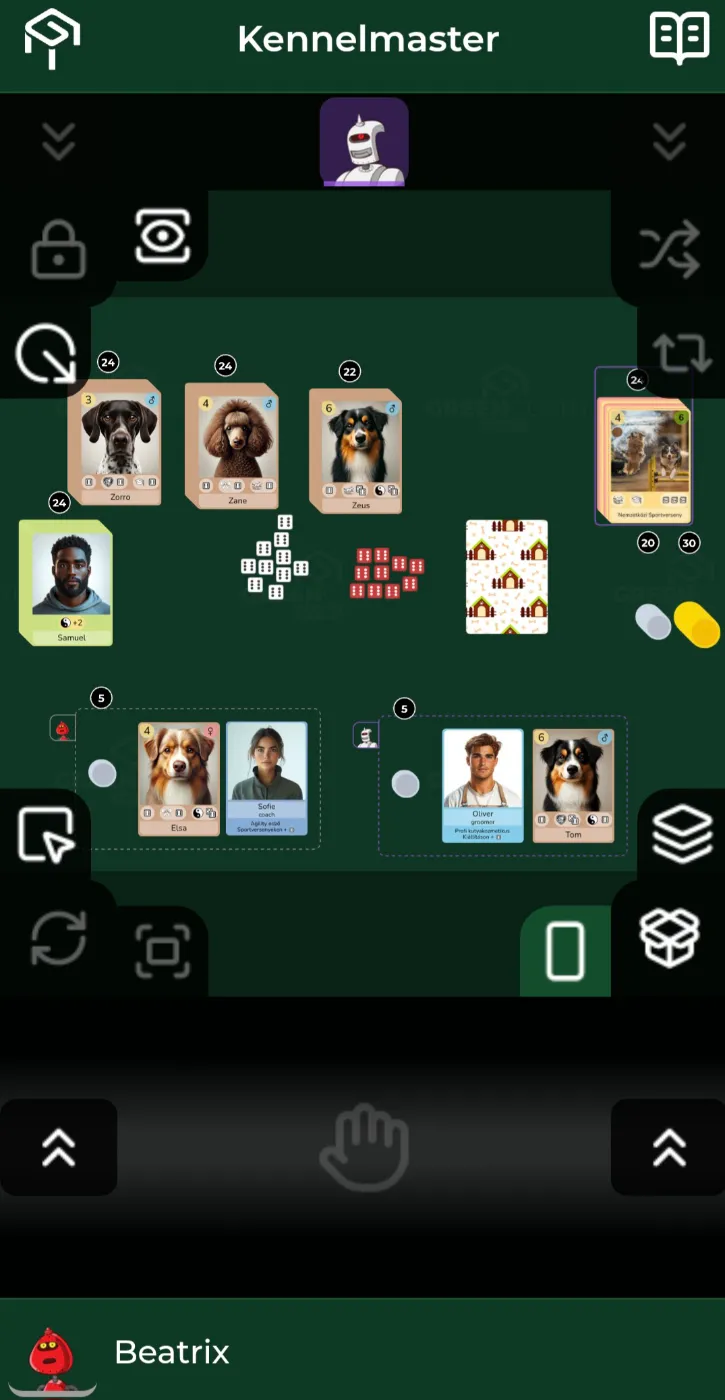
Controller screenshot
Controller
Player app · phone

Keep your cards on your phone. Drag cards, move pieces, roll dice and arrange your hand. Vibration feedback is available on supported devices.
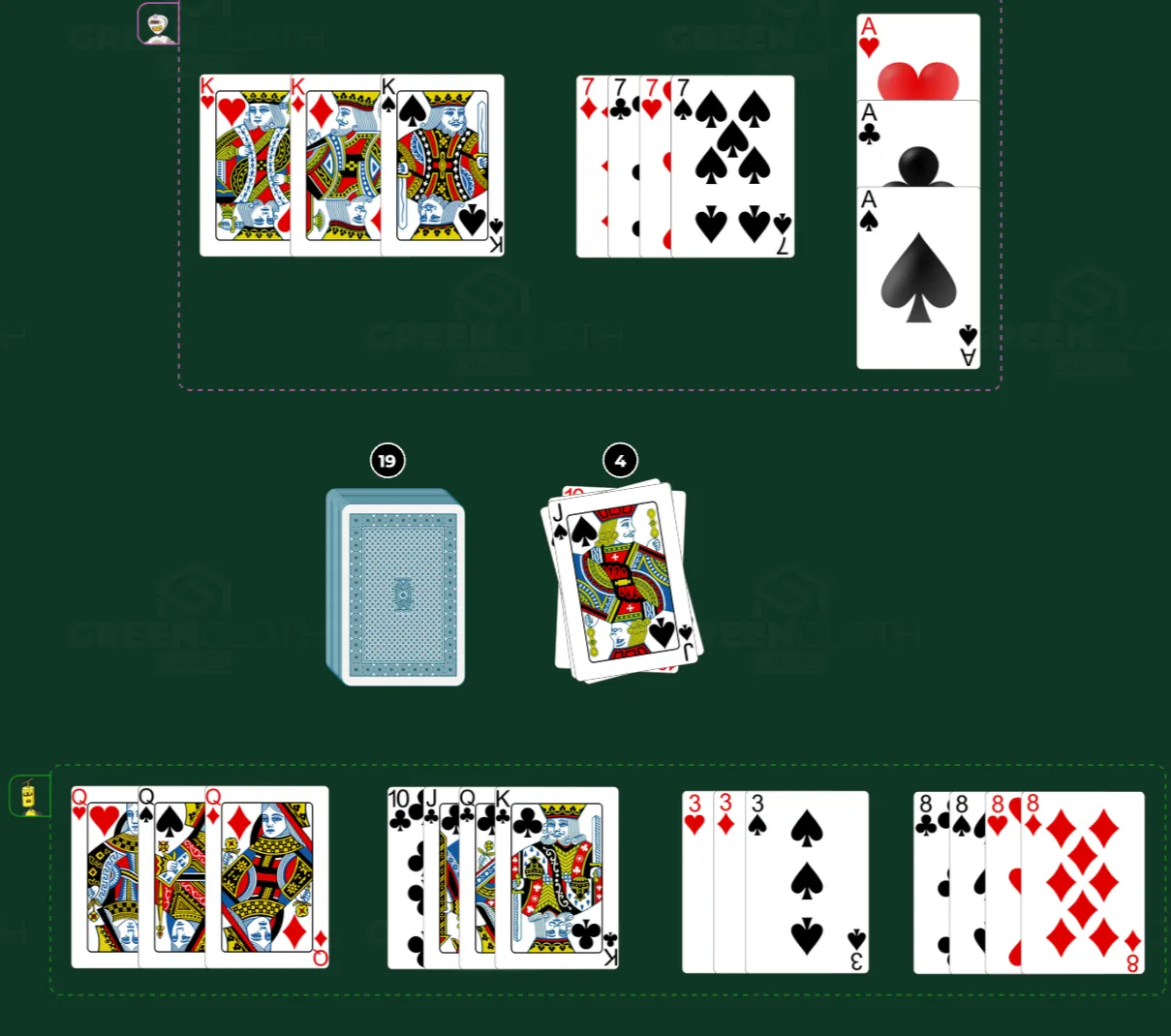
Designed for touch controls on a phone
Join as a guest with a QR code or six-digit code
Add it to your home screen where your browser supports it
Open Controller →
Display screenshot
Display screenshot
Display screenshot
Display
Table app · TV, monitor, tablet

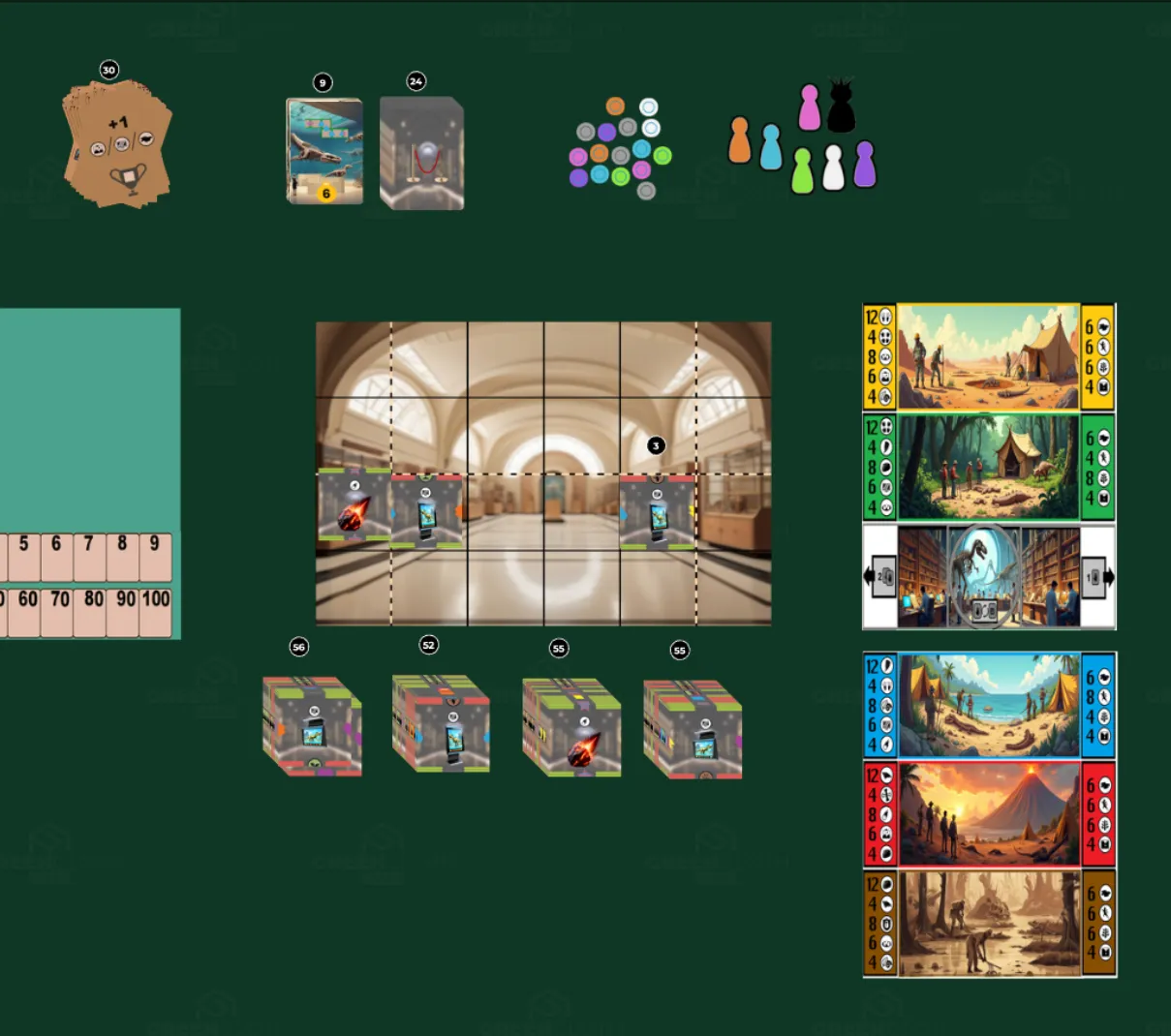
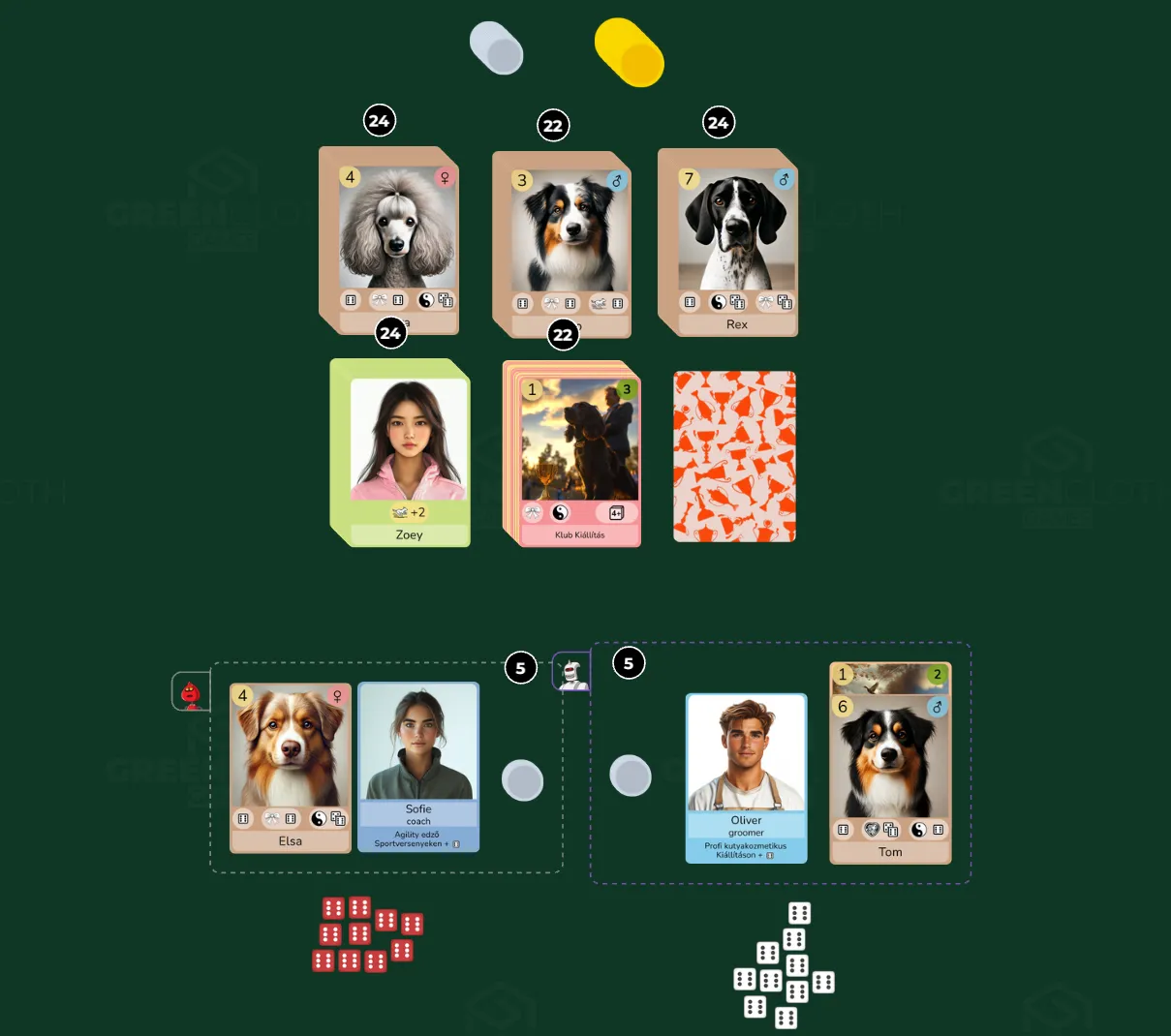
The shared game table, full screen. Friends in the same room watch one TV; friends in another city put the same table on theirs.


The whole board on the big screen, at a glance
Every move and change in real time
Connect multiple Displays to the same game
Open Display →

More features

Play it the way you want. No rulebook is forced on you, exactly like a real deck of cards.
Anyone can sit down. Scan the code or type six digits. No account, no app store.
Buttons stay where they belong. The toolbar brings together actions for the selected cards and pieces.
Take a closer look. Open the enlarged view to inspect a card and browse the others.
Bookmarks and stepping. Jump to a saved view, or step pile to pile with the arrows.
Hands along the screen edge. Optional: every player’s cards run face down on their own side.
Several screens, each its own way. Connect multiple Displays and adjust their views separately.
Reconnect to your game. The app attempts to reconnect after a connection loss or refresh while the session remains available.
Separate drafts and releases. Draft edits do not change the content of earlier releases.